I tried a lot of differnet multi undo solutions, but every had at least one draw back. So I had to develop my on solution.
If you want to use it, you don’t have to clutter your code by pasting in lots of undo-related subs, functions and variables. Everything comes within two small class files.
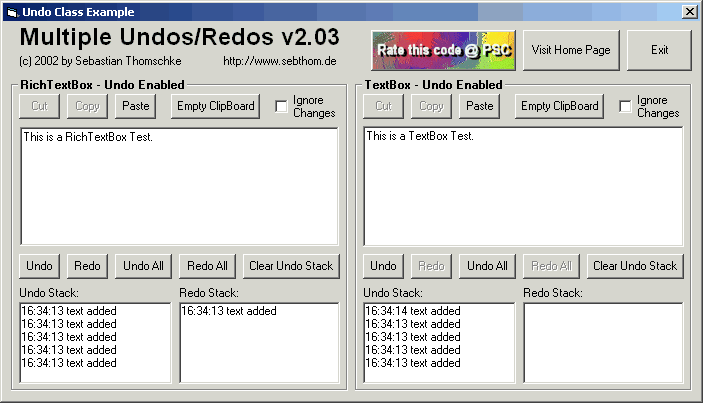
All you have to do is to create one class instance and set the richtextbox/textbox you want to enhance with multiple undos. It will look something like this:
	Dim WithEvents Undo as clsUndo
	Set Undo = New clsUndo
	Undo.AssignToRichTextBox Controls, RichTextBox1
That’s basically all you have to do.
Source Code @ github.com
GOOD!
Jack, simply copy the clsUndo.cls and clsUndoElement.cls class files into your VB project. Then create a new Undo instance as described above and assign it to a text box. Next create undo/redo buttons or menu items that call the undo / redo functions of the Undo class.
Hope that helps,
Seb
what?
have been looking for undo codes for a long time,
could you explain more thoroughly how to use this please